
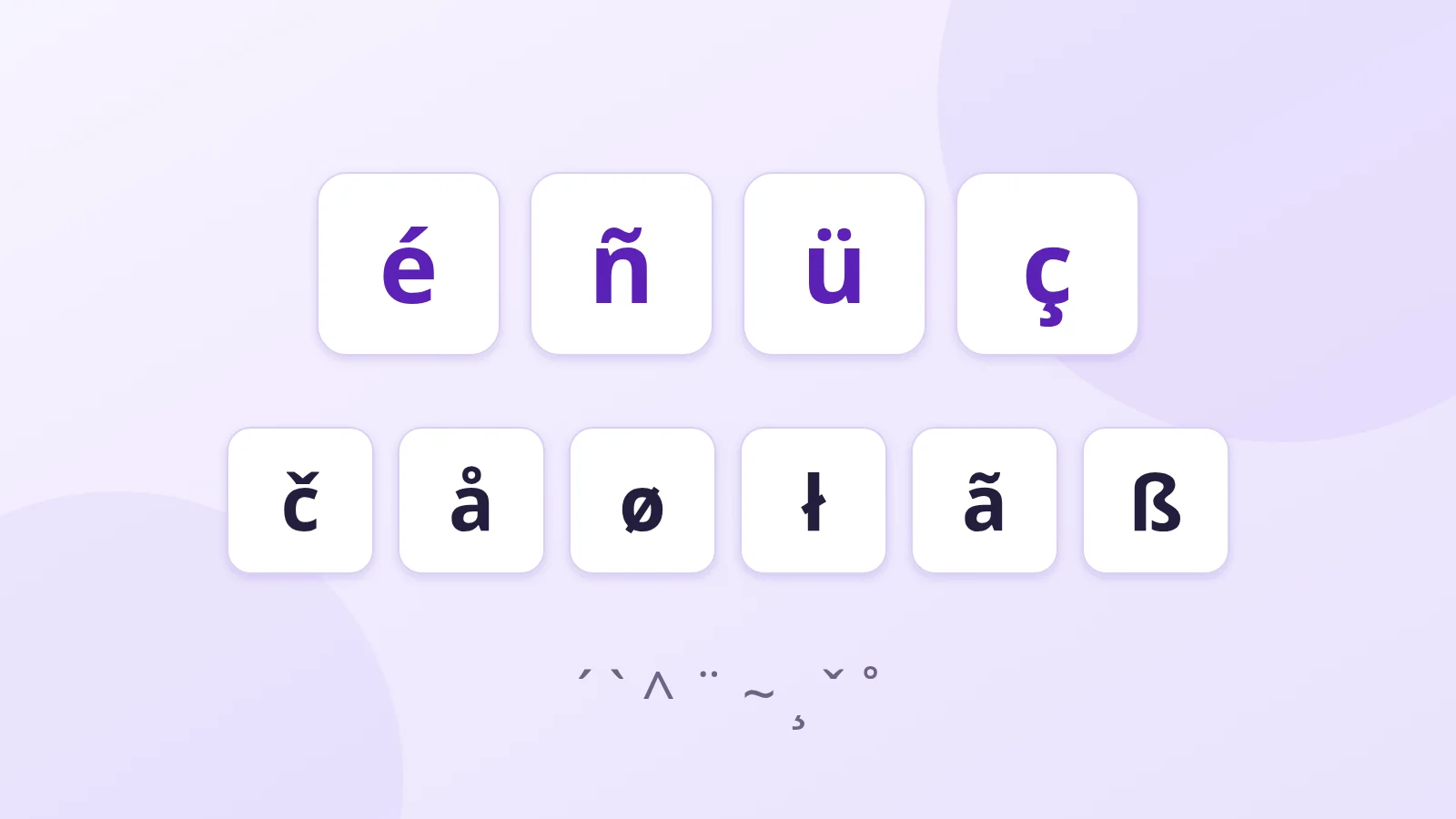
A missing accent can change a word's meaning. In Spanish, "año" (year) is not "ano"; in French, "tâche" (task) is not "tache" (stain). Even in English, a "résumé" isn't the same as "resume". And when you need to type a Polish surname, a Spanish ñ or a Swedish å, a standard English keyboard doesn't help.
These marks added to letters are called diacritics. Here are the main ones, followed by every way to type them.
The most common diacritics
| Mark | Name | Examples | Languages |
|---|---|---|---|
| ´ | acute accent | é, á, ś | French, Spanish, Polish, Czech |
| ` | grave accent | è, à, ò | French, Italian, Portuguese |
| ^ | circumflex | ê, â, ô | French, Portuguese, Romanian |
| ¨ | diaeresis / umlaut | ë, ü, ö | French, German, Swedish, Turkish |
| ~ | tilde | ñ, ã, õ | Spanish, Portuguese |
| ¸ | cedilla | ç, ş | French, Portuguese, Turkish |
| ˚ | ring | å | Swedish, Danish, Norwegian |
| ˇ | caron (háček) | č, š, ž | Czech, Slovak, Croatian |
| / | stroke | ł, ø | Polish, Danish, Norwegian |
On Windows
The "United States-International" keyboard
This is the most practical option if you often write in other European languages. In Settings > Time & language > Language & region, add the "United States-International" layout to English.
Some keys then become dead keys: they produce nothing on their own, but change the next letter.
'thenegives é;'thencgives ç`thenagives à^thenogives ô"thenugives ü~thenngives ñ
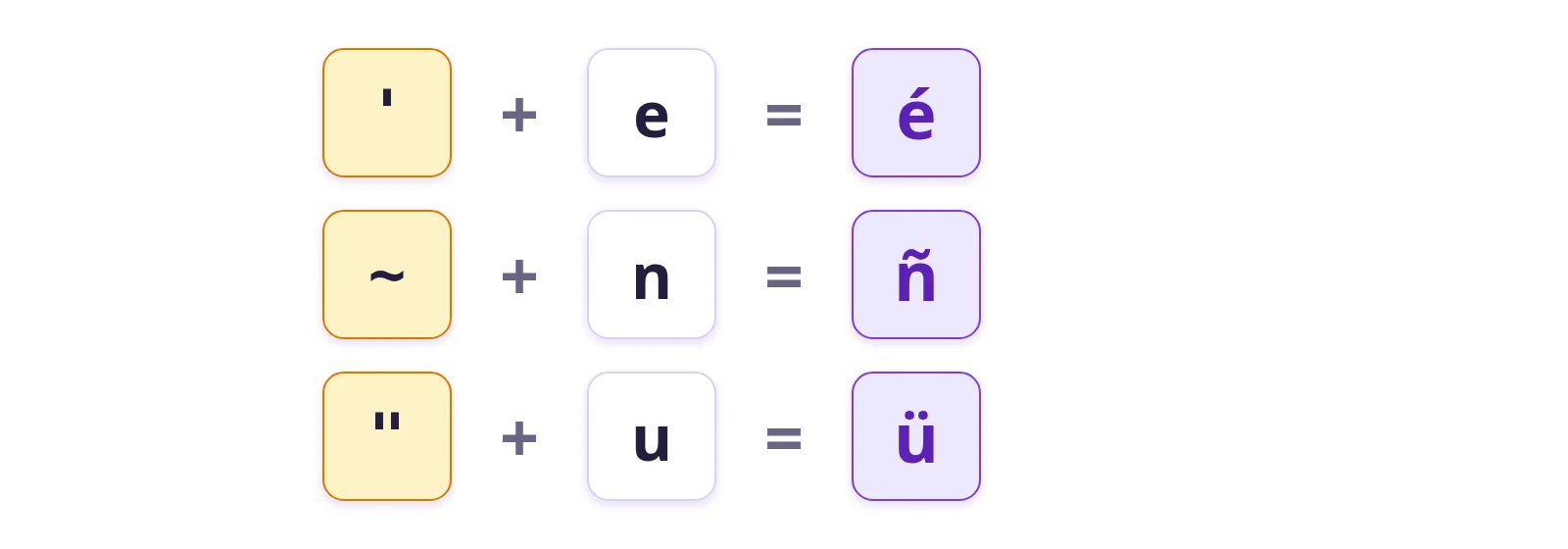
To type the apostrophe or quotation mark itself, press the key and then Space. On a UK keyboard, the built-in "United Kingdom Extended" layout does something similar with AltGr.
Alt codes
Hold Alt, type a code on the numeric keypad, then release. You need a numeric keypad and you have to remember the codes. A few useful ones:
- Alt + 0233 → é, Alt + 0201 → É
- Alt + 0241 → ñ, Alt + 0252 → ü
- Alt + 0231 → ç, Alt + 0229 → å
The emoji and symbol panel
Windows + . (full stop) opens a panel with emoji and, in the symbols tab, accented letters from many languages.
On Mac
Press and hold
Hold down a letter, for example e: a bubble offers è, é, ê, ë, ē… Type the number shown under the one you want. It's the easiest method for occasional use.
Option shortcuts
On a US or UK Mac keyboard, Option plus a letter adds an accent to the next letter you type:
- Option + e, then the letter: acute (é, á)
- Option + `, then the letter: grave (è, à)
- Option + i, then the letter: circumflex (ê, ô)
- Option + u, then the letter: umlaut (ü, ë)
- Option + n, then the letter: tilde (ñ, ã)
- Option + c gives ç directly
On Linux
Linux has the Compose key, which you enable in the keyboard settings (often on Right Alt or the Menu key). Press it, then type two characters that "draw" the result:
- Compose,
o,/→ ø - Compose,
s,s→ ß - Compose,
n,~→ ñ - Compose,
c,,→ ç
Without configuring anything: an online keyboard
If you only need these letters now and then, open the keyboard for the language on our site: Polish, Turkish, Spanish, Vietnamese… The special keys are on screen; click them, then copy the text.
Further reading