
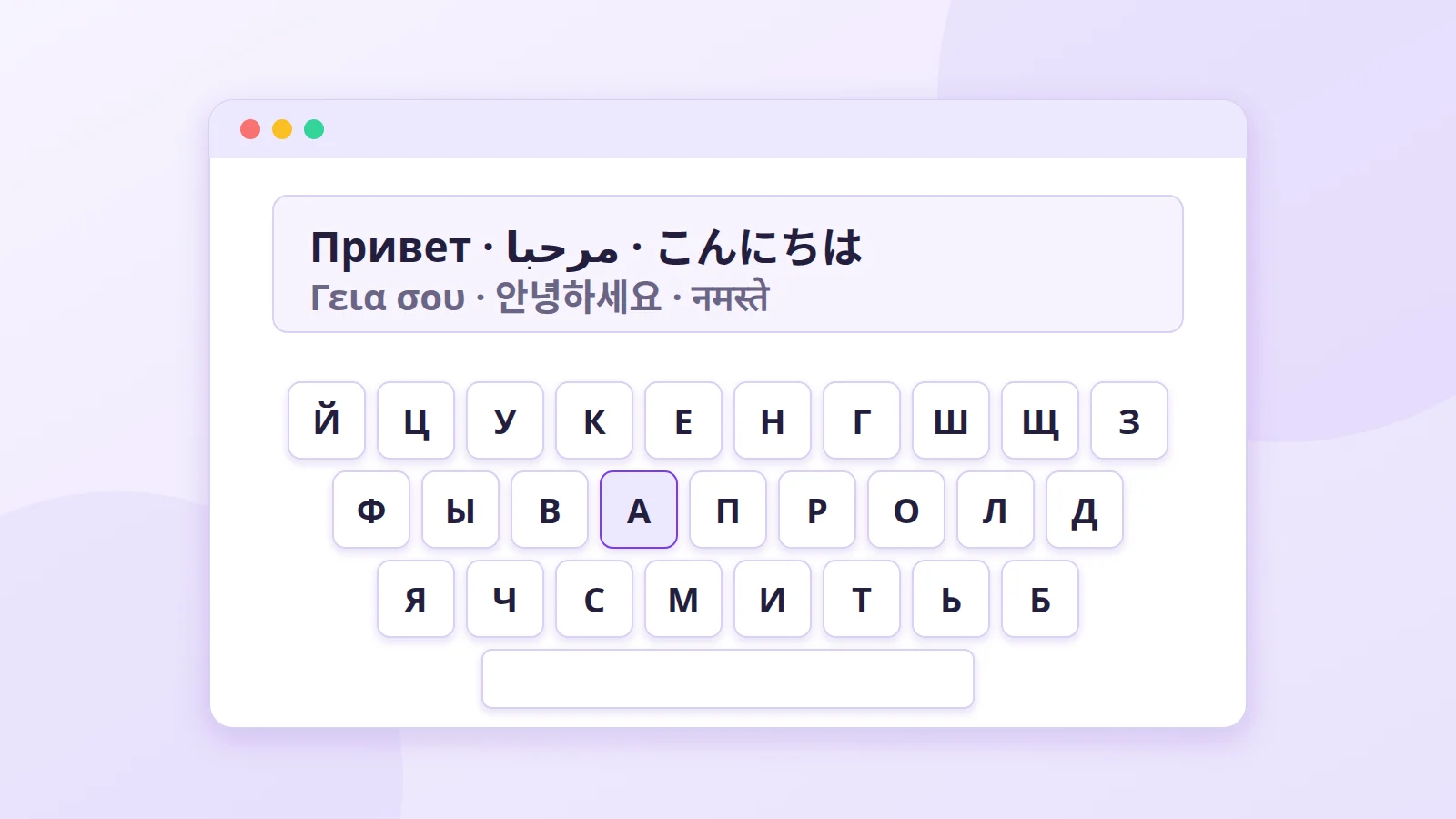
A virtual keyboard is a keyboard shown on screen. You use it with a mouse, with your finger on a touchscreen, or by typing on your own keyboard while the software translates each key. It sounds trivial, but in several everyday situations it's the most practical tool there is.
Two kinds of virtual keyboard
- The one built into your operating system. Windows, macOS, Android and iOS all have one. It works in every app, but you have to turn it on in the settings.
- The ones that run in a web page, like ours. Nothing to install or configure: open the page, type, copy the text. Handy on a computer that isn't yours.
Typing in a language your keyboard wasn't made for
This is the most common use. A physical keyboard is made for one region: QWERTY in the US and UK, AZERTY in France, QWERTZ in Germany. As soon as you need to write Russian, Greek, Arabic or Hindi, the labels on your keys are no help.
A virtual keyboard solves this in three ways:
- It shows you the letters. You can see where Ж or ش is without sticking anything on your keyboard.
- It follows your physical keyboard. On our pages, pressing a key on your keyboard types the letter in the same position on the chosen language's layout. You learn the layout by using it.
- It handles difficult scripts. For Chinese, our keyboard converts pinyin into characters. For Russian, Arabic or Serbian, a transliteration mode turns Latin letters into the native script:
privetbecomes привет.
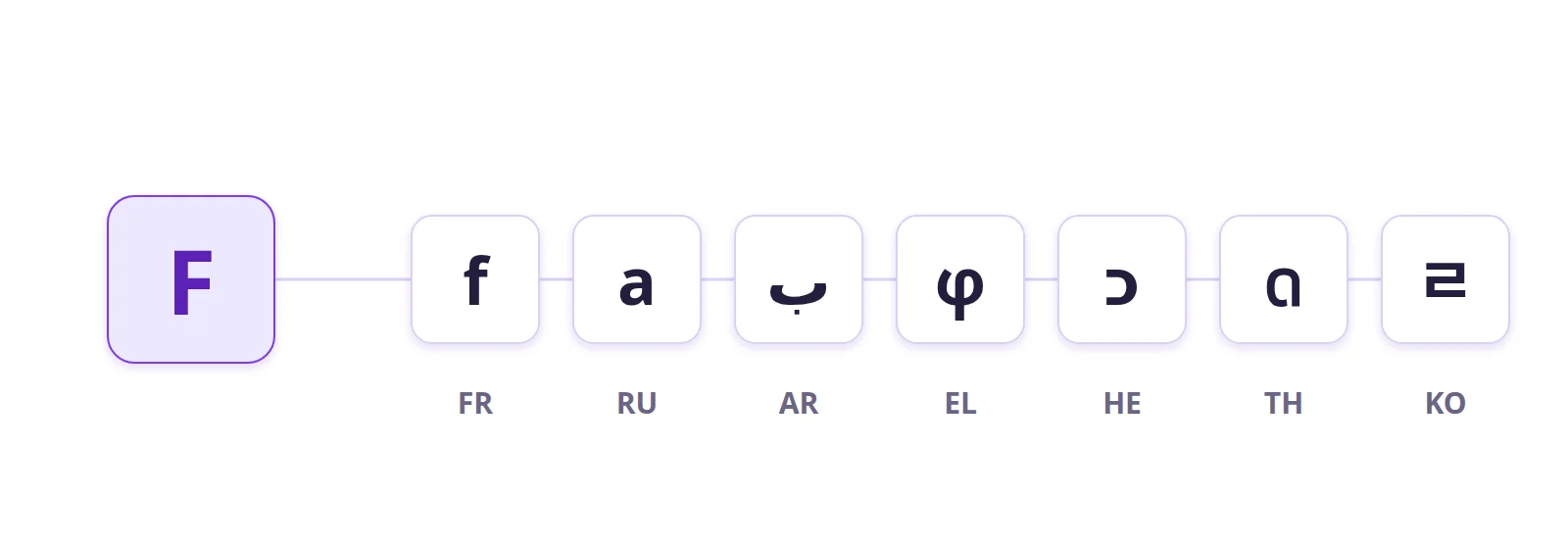
It also covers languages that are hard to find a physical keyboard for, such as Amazigh in Tifinagh.
Entering a password on a shared computer
Some banks show a number pad on screen for your PIN. The reason is keyloggers: programs, or small devices plugged into a USB port, that record every key you press.
A virtual keyboard gets around the simplest ones, since you don't press any physical keys. But it doesn't protect you from everything: spyware can also take screenshots or read what's in the input fields. On a public computer you don't trust, the real precaution is not to log into important accounts at all.
Making a computer accessible
For people who find it hard to press keys (arthritis, Parkinson's, paralysis), an on-screen keyboard can be easier to use:
- with a mouse, a trackball or a joystick;
- with eye tracking: you look at a key for a fraction of a second to "click" it;
- without key combinations: click Shift, then the letter, and Shift turns itself off.
The accessibility keyboards in Windows and macOS also offer word prediction, which cuts down the number of clicks.
Standing in for a broken keyboard
A dead key, spilled coffee, a keyboard left at home: a virtual keyboard keeps you working in the meantime.
- Windows: press Windows + Ctrl + O to open the On-Screen Keyboard. It's also available on the sign-in screen, through the accessibility button, so you can type your password.
- macOS: System Settings > Accessibility > Keyboard > Accessibility Keyboard.
If you're abroad and the computer's keyboard doesn't match your language, open our English keyboard to get a familiar QWERTY layout on screen.
How a web virtual keyboard works
Our keyboards are written in HTML, CSS and JavaScript. Nothing is installed on your machine, and the text stays in your browser unless you start a search yourself.
- When you click a key, the script knows which one it is and looks it up in the chosen language's layout. On the Russian keyboard, for example, the E key is the letter у (U+0443).
- It inserts the character at the cursor, replacing any selected text.
- It keeps the cursor in the text box, so you can carry on typing without clicking back into it.
The limits
Used with a mouse, a virtual keyboard is slower than a real one, and it's no substitute for installing a layout on your system if you write in a language every day. In that case, use it to learn the layout, then install it on your computer.
Further reading
- Our most-used keyboards: Arabic, Russian, French
- The history of the keyboard
- QWERTY, AZERTY, Dvorak: the layout wars
- Keystroke logging (Wikipedia)
- W3C: web accessibility