
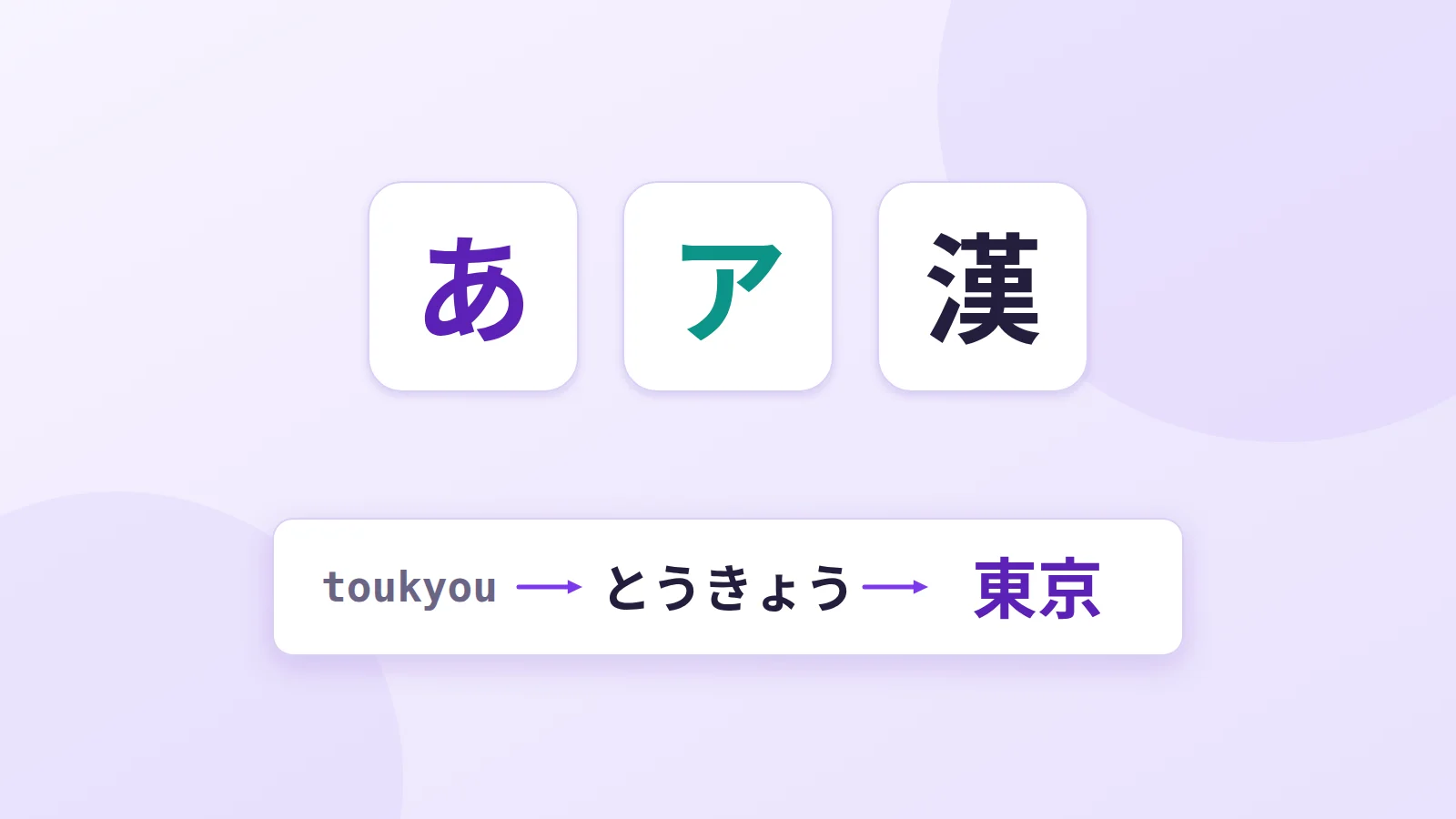
Japanese mixes three scripts in a single sentence, with no spaces between words and thousands of characters. Yet Japanese people type on ordinary keyboards, usually QWERTY. The trick is input software, the IME, which converts what you type. Here's how it works.
Three scripts in one sentence
Take 私は東京で寿司を食べました, "I ate sushi in Tokyo":
- Kanji (私, 東京, 寿司, 食) are characters of Chinese origin that carry the meaning of words. About 2,000 are in everyday use.
- Hiragana (は, で, を, べ, ま, し, た), with rounded shapes, are used for endings and small grammatical words. There are 46 basic ones.
- Katakana, with angular shapes, are mainly used for foreign words: コーヒー (kōhī, coffee), パソコン (pasokon, computer). There are also 46 basic ones.
Finally, romaji, Japanese written in Latin letters, is what you type.
How input works
To write "Tokyo" (東京):
- Type in romaji:
toukyou(long vowels are doubled). - The IME converts to hiragana as you go: とうきょう.
- Press Space: the IME offers matching kanji, here 東京.
- If it's the wrong one, press Space again to cycle through suggestions. Japanese has many homophones: "hashi" can be 橋 (bridge), 箸 (chopsticks) or 端 (edge).
- Confirm with Enter.
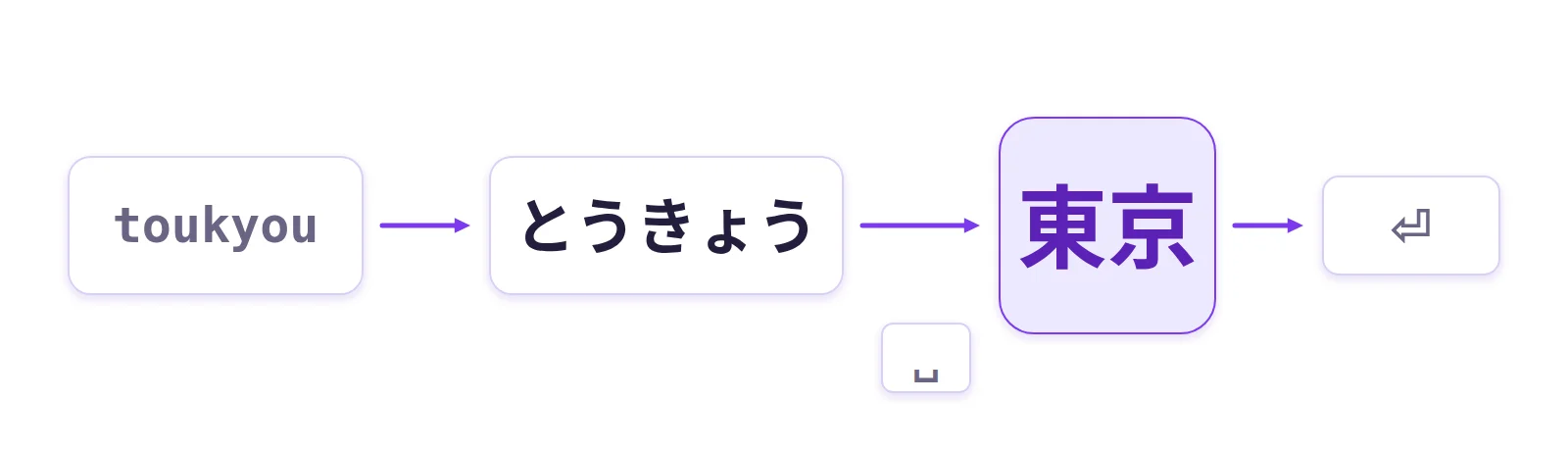
The IME takes the context of the sentence into account and usually offers the right kanji first time.
Romaji or kana?
There are two ways to type:
- romaji input, by far the most common, in Japan too: you type sounds in Latin letters (K then A gives か);
- kana input: Japanese keyboards have a hiragana on every key, and one keystroke gives that character (the A key gives ち). It takes fewer keystrokes, but you have to learn a completely new layout, and few people use it today.
Input rules worth knowing
- Small tsu (っ), which doubles the next consonant: double the letter.
gakkougives がっこう,matchagives まっちゃ. - ん (n):
nbefore a consonant gives ん, but before a vowel or y you neednnorn'.kon'yakugives こんやく, whereaskonyakuwould give こにゃく. - Small vowels (ぁ, ぃ, ぅ…): put
xorlbefore the vowel, for examplexagives ぁ. - Function keys, while typing and before you confirm:
- F6: all hiragana;
- F7: all katakana (handy for foreign words);
- F10: Latin letters.
On phones: flick input
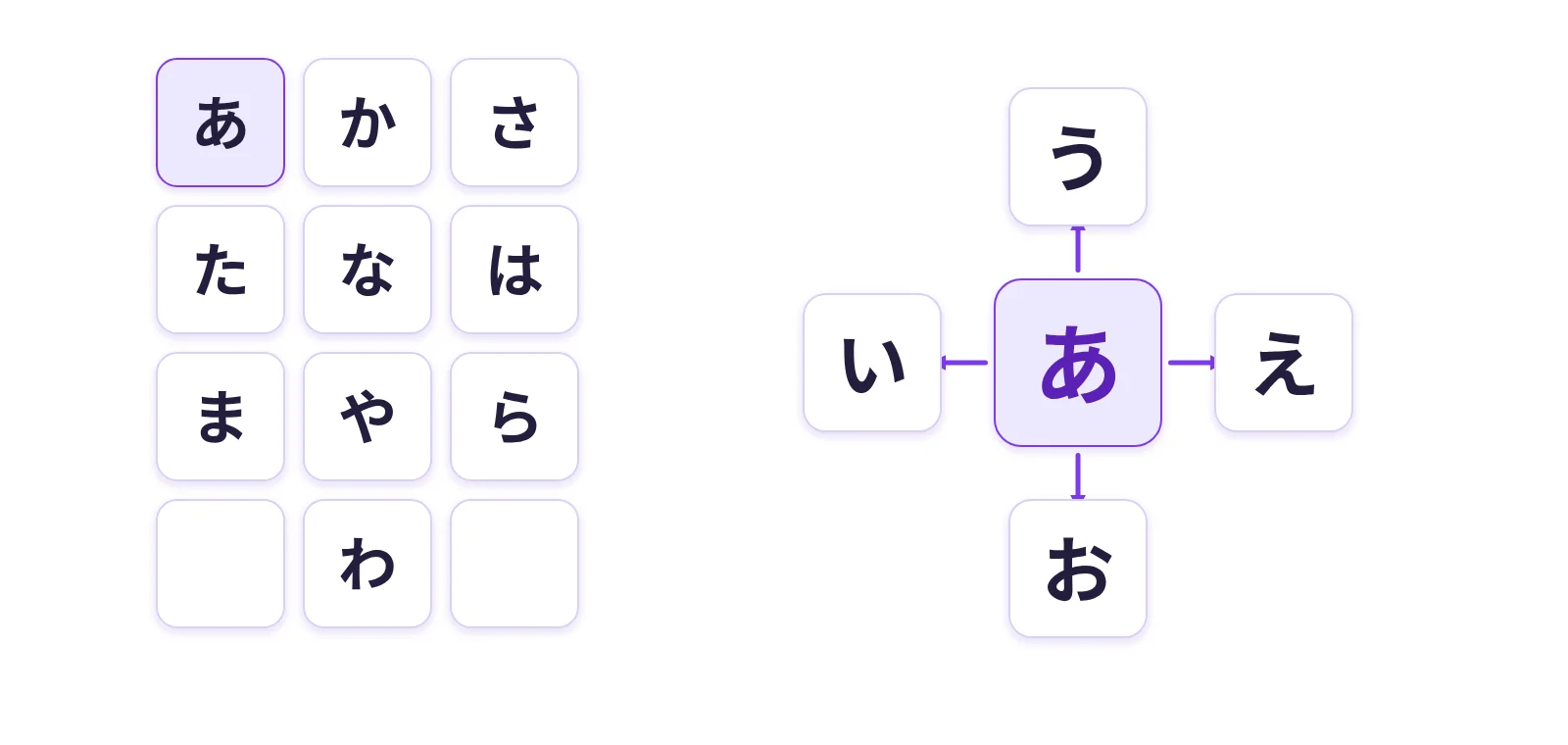
Japanese phones offer a 12-key keyboard where each key is a row of the kana table: あ, か, さ, た… Tap the key for the first syllable (あ), and flick in a direction for the others: left い, up う, right え, down お. With practice it's very fast, and many Japanese people type this way with one hand.
Kaomoji
The Japanese keyboard gave rise to kaomoji, faces made of characters that are read upright: (^_^), m(_ _)m (a person bowing to apologise), ¯\_(ツ)_/¯. Japanese IMEs often suggest them when you type かお (kao, "face").
Try it on our site
Our Japanese keyboard shows the kana layout: click the hiragana or type them on your keyboard. Its transliteration mode also accepts romaji: konnichiha gives こんにちは, gakkou gives がっこう. It doesn't convert to kanji; for that, install your system's Japanese IME:
- Windows: add "Japanese" in Settings > Time & language > Language & region, then switch with Alt + ` or by clicking the "A / あ" indicator.
- macOS: System Settings > Keyboard > Input Sources, then add "Japanese – Romaji".
Further reading
- Our Japanese keyboard
- Typing Chinese: Pinyin and Wubi
- The Korean keyboard
- The history of emoji
- Tofugu: learn hiragana