
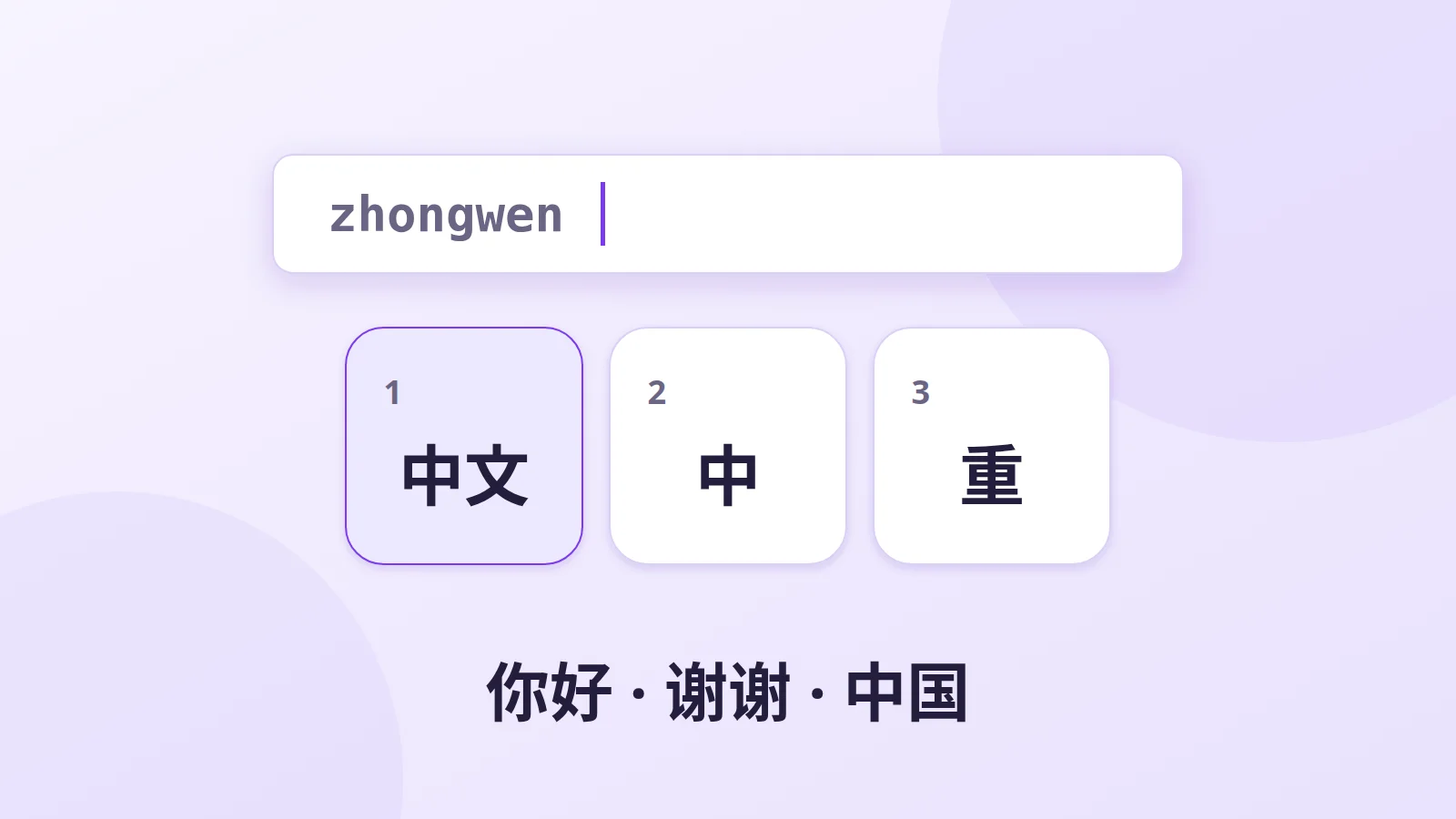
Chinese has tens of thousands of characters, of which about 3,000 to 4,000 are enough to read a newspaper. No keyboard could hold them all. So Chinese speakers use "input methods" (IMEs): you type something on an ordinary keyboard and the software suggests matching characters. There are two main approaches: by sound and by shape.
Pinyin: typing the pronunciation
Pinyin is the official romanisation of Mandarin: 北京 is Běijīng, 你好 is nǐ hǎo. It's by far the most widely used method in mainland China, and the one foreigners learn.
How it works:
- type the pronunciation without tones:
zhongguo; - the software shows a list of possible characters or words;
- pick one with the space bar (first choice) or a number.
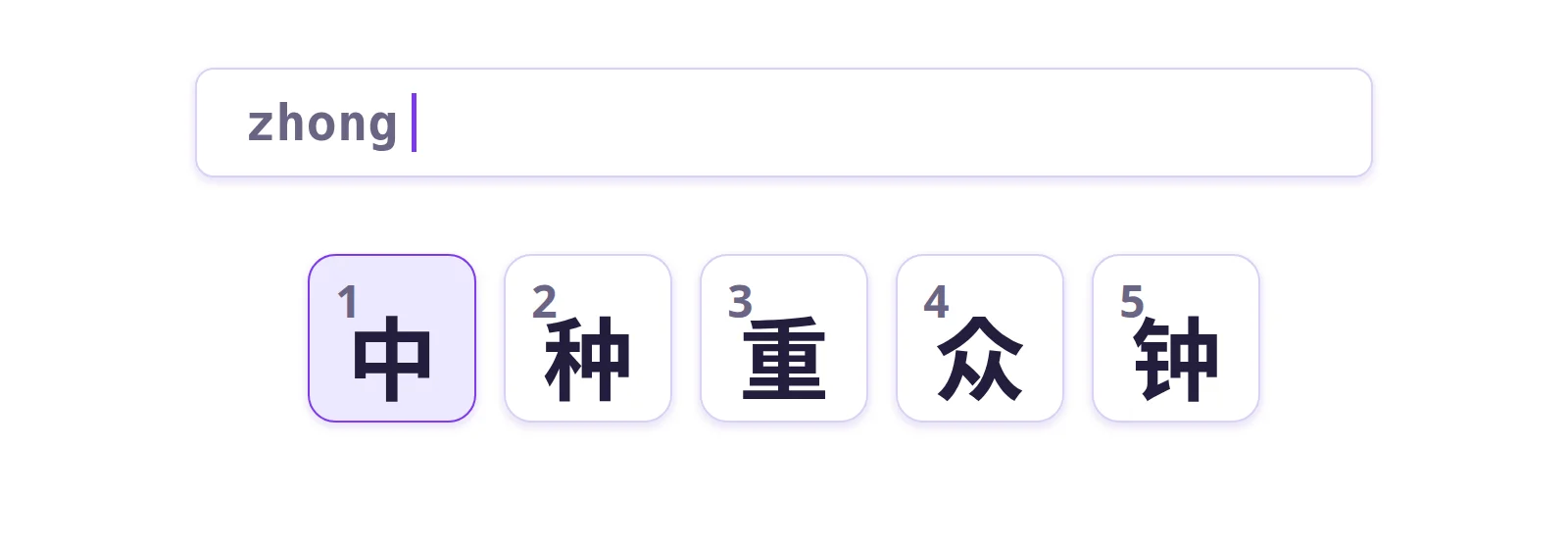
Chinese has many homophones: "zhong" can be 中 (middle), 钟 (clock), 忠 (loyal)… Modern software solves most of this by working on whole phrases rather than single syllables. Type woxihuanni and it recognises the most likely sequence, offering 我喜欢你 ("I like you") straight away.
Most also offer "fuzzy pinyin", which accepts common mix-ups caused by regional accents, such as "s" and "sh" or "in" and "ing".
Wubi: typing the shape
Wubi (五笔, "five strokes") ignores pronunciation. Each character is broken into graphic components, and each component sits on a key. The keyboard is divided into five zones, after the five basic strokes of calligraphy: horizontal, vertical, left-falling, dot and hook.
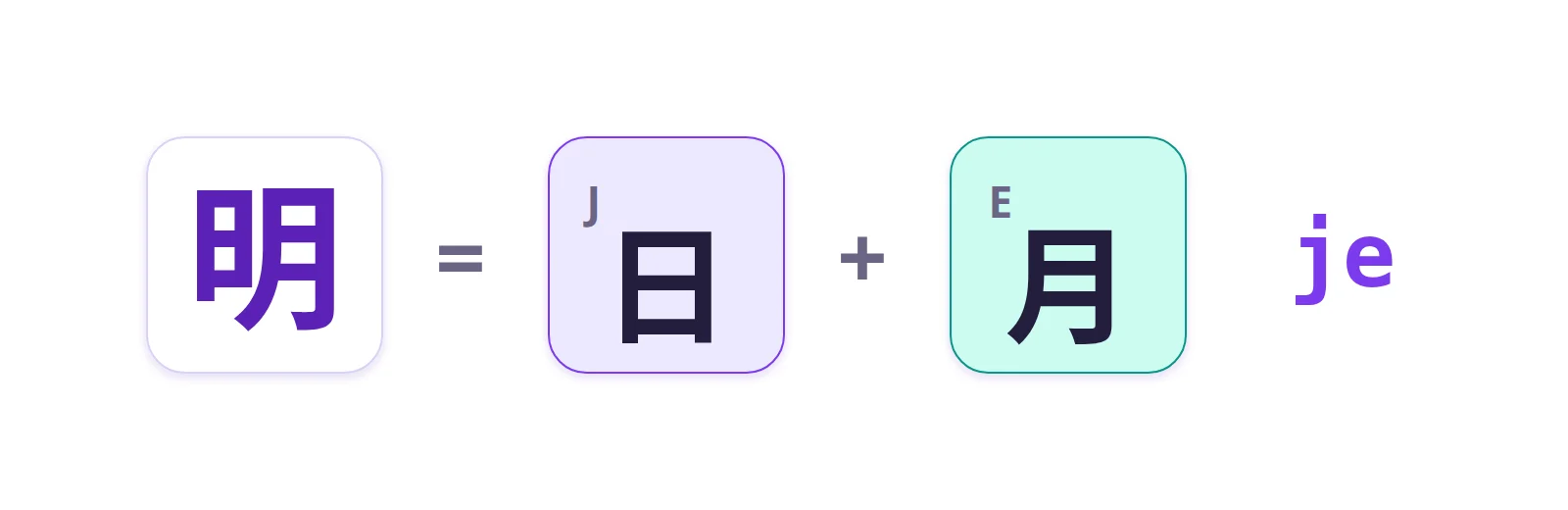
For example, 明 (bright) is made of 日 (sun) and 月 (moon). In Wubi, 日 is on the J key and 月 on the E key, so you type je.
Its advantages:
- a code nearly always matches a single character, so you don't need to look at the suggestion list;
- no character takes more than four keystrokes;
- you can type a character without knowing how it's pronounced.
Its drawback: you have to memorise hundreds of components and their positions. Wubi was widely used by professional typists, but it has lost a lot of ground to Pinyin.
Zhuyin in Taiwan
In Taiwan, children learn to read with Zhuyin (or Bopomofo), a phonetic alphabet of 37 symbols such as ㄅ, ㄆ, ㄇ, ㄈ. Taiwanese keyboards carry these symbols on their keys, alongside Latin letters and often other codes. You type the pronunciation in Zhuyin, with the tone, then choose the character, as with Pinyin.
Shape-based methods such as Cangjie and Quick (Sucheng), similar in spirit to Wubi, are also used in Taiwan and Hong Kong.
Handwriting and voice
On phones, many people, especially older users, prefer to trace characters with a finger: handwriting recognition is now very reliable. Voice dictation is also very common, particularly in messaging apps.
A side effect: forgetting how to write
After years of typing in Pinyin, many Chinese people can recognise characters but struggle to write them by hand. When they pick up a pen, they can't remember the stroke order. This "character amnesia" worries teachers and has revived interest in calligraphy.
Try Pinyin input
Our Chinese keyboard works in Pinyin: type the pronunciation, then pick the character from the list with the space bar or a number. It's an easy way to see how it works without installing anything.
For regular use, install an input method on your computer: on Windows, add "Chinese (Simplified)", which includes Microsoft Pinyin; on macOS, add "Chinese, Simplified – Pinyin" in Input Sources.
Further reading
- Our Chinese keyboard
- Understanding Japanese input
- The Korean keyboard
- ASCII and Unicode
- Pinyin.info
- ArchChinese: animated stroke order